
Digital business card in Québec: get found
When a client looks for your services, they want to see your contact details, your offers, and a simple way to message you or book. A digital business card avoids unnecessary back-and-forth and makes you easier to find.
Kitobiz · 5 min read · Lire en français
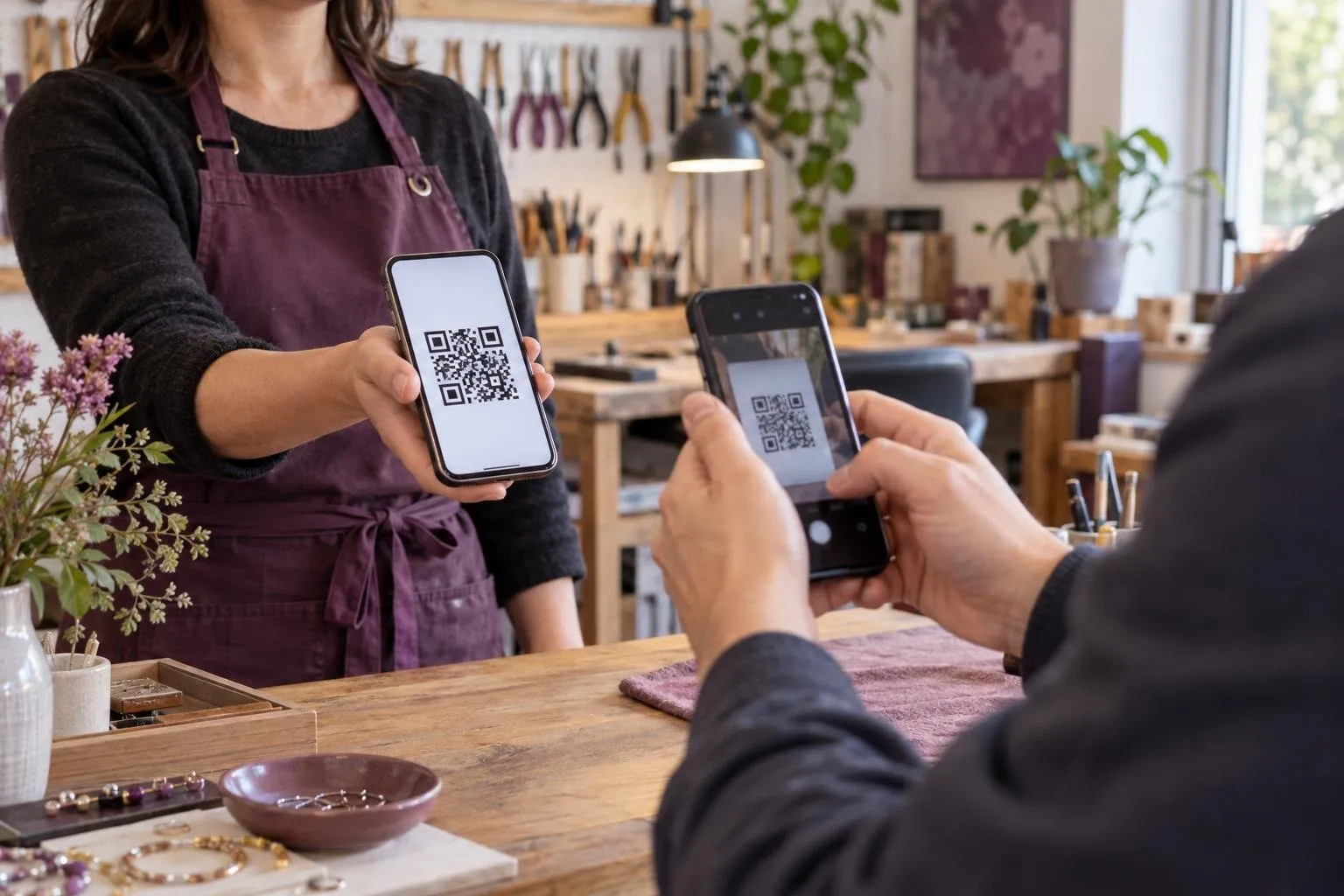
A lost card, a lost client
When a client looks for your services, they rarely have time to dig through emails or call back later. If they can’t quickly find your contact details, your services, and an easy way to reach you, the request can fade away in silence. For a self-employed worker or a small business, a digital business card avoids that kind of missed opportunity.
In Québec, first impressions often matter as much as the quality of the service. A well-presented card gives people the essentials right away: what you do, how to reach you, and what to do next if they want a quote or an appointment.
Digital business card: what it includes
A digital business card lets you present yourself without relying on a paper card that gets lost, damaged, or outdated. It brings together your services, your contact details, a shareable link, and a QR code to print. In Kitobiz, this card also includes always-visible buttons to request a quote or book an appointment.
It’s useful in trades where the first contact happens fast: self-employed electrician, renovation contractor, massage therapist, caterer, painter, or installer. Someone can scan the QR code on a poster, open your card on their phone, and take action without looking anywhere else.

How Kitobiz presents your card, step by step
Kitobiz offers a digital business card designed to be shared everywhere. You enter your services, with a price or the note “quote provided,” along with your contact details. You get a link to send by message or add to your email signature, and a QR code to print on your cards, posters, or vehicles.
Then, the person viewing the card sees the possible actions right away. They can request a quote or book an appointment using the always-visible buttons. If they need more information, they already have the basic details they need to contact you without extra steps.
A simpler presence to show on site
On site, the digital business card becomes a practical tool. On a job site, in a treatment room, at a kiosk, or at a front desk, you can display a QR code that leads directly to your card. Instead of handing out a paper card that ends up at the bottom of a bag, you leave lasting access to your business.
It also helps when you meet people at the last minute: a happy client, a neighbour, a supplier, or a word-of-mouth contact. A link or QR code is faster to share than a long handwritten message, and the person can then find your contact details in the same place later.
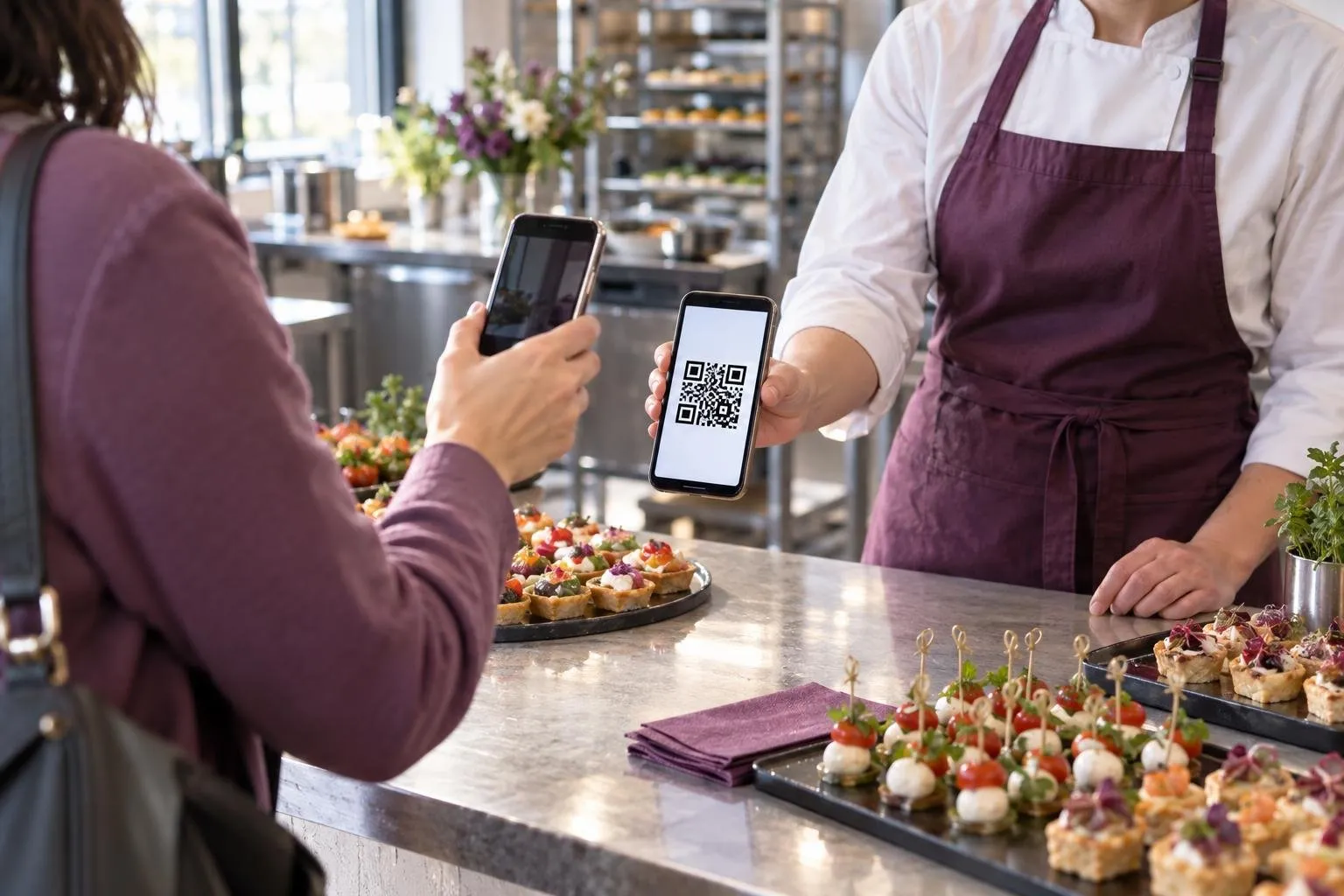
Requests that go straight to your follow-up
The real problem is not only being found. It’s also not letting a request get lost between two calls, a text message, and a scrap of job-site paper. In Kitobiz, the quote request lands in your follow-up with the contact details and the need described by the client.
You can then reply more clearly, at the right time. If the person prefers to book right away, they go through appointment booking based on the availability you set. The digital business card then becomes the entry point to a simple path, instead of just a presentation document.
Replacing the paper card without complicating your day
A paper card doesn’t show your services in a live way, and it doesn’t help you receive a request. It gets handed out, but it doesn’t keep working for you after the meeting. With a digital business card, you keep a clean, current presentation without having to reprint every time your contact details or services change.
Kitobiz also adds useful logic for small teams. If several people share the same template card, the branding and information can stay consistent. That avoids multiple scattered versions and incomplete information being passed around.
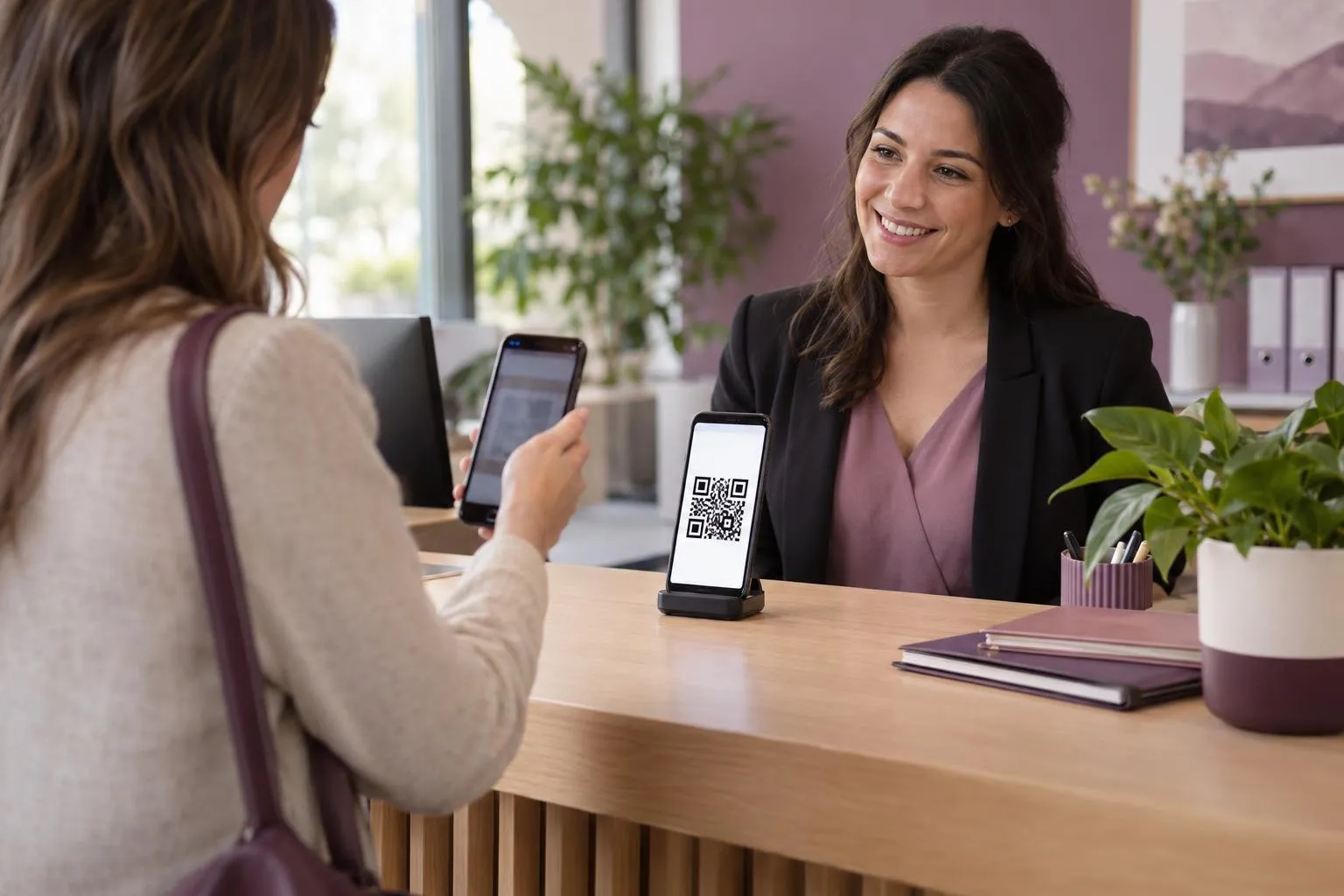
Why this card helps your customers
For busy customers, anything that reduces steps has value. A digital business card answers a simple question: who are you, what do you do, and how can someone reach you now? The clearer that answer is, the easier it becomes to turn a quick visit into a real request.
In Kitobiz, this card sits at the start of the customer journey, before the quote, the appointment, and the rest of the follow-up. Revenu Québec says some businesses can already share information by QR code in the context of mandatory invoicing, which shows how practical this kind of visual cue has become in digital use.
What you can set up in a few steps
The benefit is simple: less information lost, more clarity at first contact, and a more professional image. You don’t need to multiply tools to be easy to find. Instead, you set up a clear doorway to your services.
- You describe your services and contact details in your card.
- You choose what to display, including the shareable link and the QR code to print.
- You keep the “Request a quote” and “Book an appointment” buttons visible.
- You share the link by email, message, or on printed materials.
- You then receive requests in your follow-up, in the same place as the rest of the customer journey.
Frequently asked questions
What is a digital business card for?
It’s used to present your services and contact details in a simple format that’s easy to share. It also lets the person who finds you request a quote or book an appointment more easily.
Why replace a paper card?
A paper card gets lost quickly and doesn’t always lead to action. A digital business card can be shared by link or QR code and guide the person toward your follow-up or booking.
Can you print a QR code for your card?
Yes. In Kitobiz, the QR code is part of the digital business card and can be printed for a counter, vehicle, job site, or waiting room.
Does a digital card work for a small business?
Yes, especially if you want to centralize your service presentation and first requests. It helps both self-employed workers and small businesses become easier to find.
Sources
Read next
- Follow up on an unpaid invoice without awkwardness or missed follow-upWhen an invoice goes unpaid, the delay can quickly affect your schedule, your inbox, and your cash flow. Kitobiz prepares the reminders, then you review them before they’re sent.
- Team Digital Business Card: A Shared Brand ImageWhen a small team changes, the introduction card should not become a headache. Kitobiz helps you keep a shared brand image while replacing a team member without rebuilding the whole card.
- Cash flow forecast: see money coming in ahead of timeWhen payments come in later than expected, it gets hard to know whether the cash will keep up. A clear cash flow forecast helps you see money due and spot gaps before they tighten up.